Receive the clock event
ZKTeco clocks push directly over the local network while Anviz devices synchronize on an automated background schedule.
Capture · Hardware Integration
Connect ZKTeco terminals through native push ADMS and poll Anviz devices on your physical LAN—without routing biometric identifiers or attendance records through an external cloud.
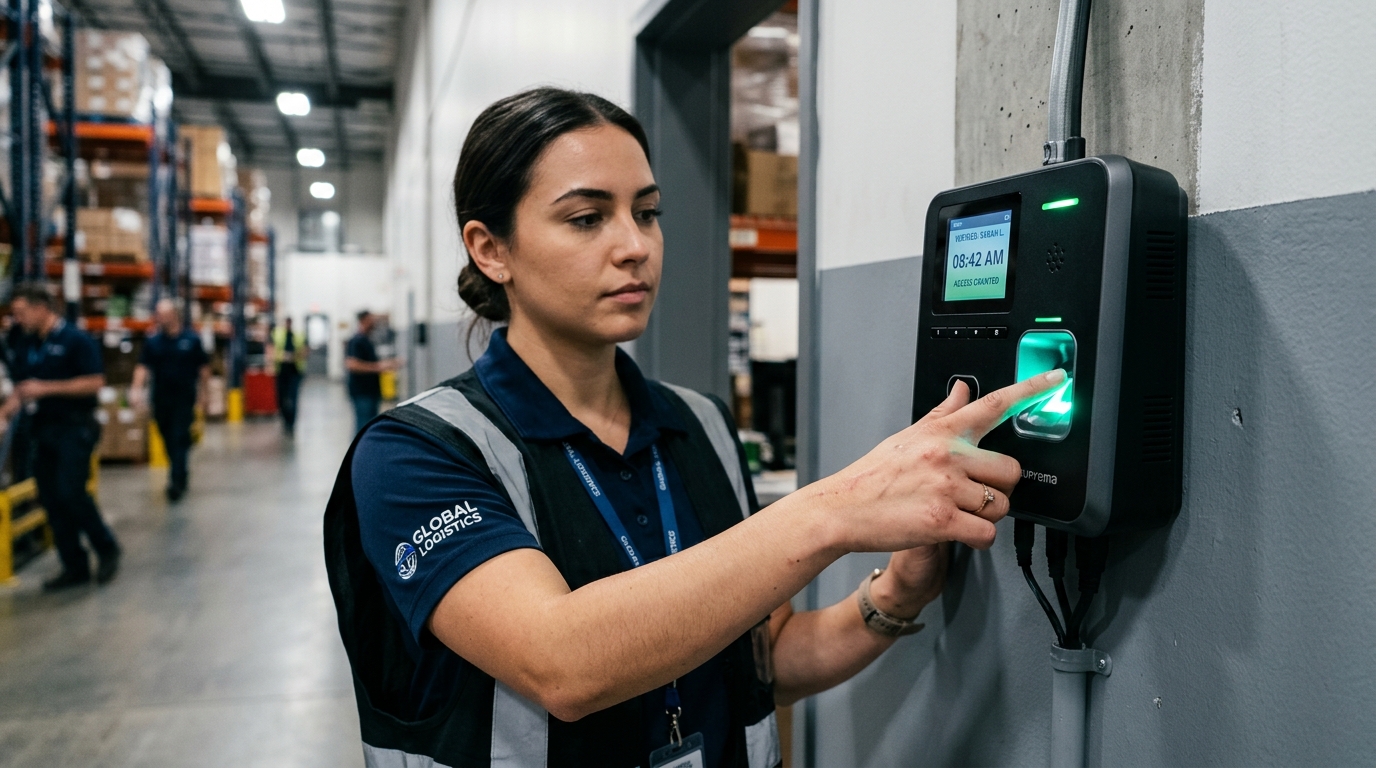
When employees place a fingerprint or scan an RFID badge at the clock, the terminal communicates directly over the physical LAN to the PunchFlow appliance in milliseconds.
A durable path in
PunchFlow strictly separates hardware capture from downstream processing. Every physical punch is recorded immediately to a durable, tamper-proof local event journal, ensuring facility power flickers or network maintenance never lose workforce attendance history.
ZKTeco clocks push directly over the local network while Anviz devices synchronize on an automated background schedule.
The raw punch event is committed immediately to durable storage before shift matching or overtime calculation.
Clock employee IDs are matched to corporate profiles. Unmapped badges are surfaced in an admin triage queue without dropping the punch.
Support push ADMS and polling models side-by-side within the same appliance instance.
Recover processing safely at any time from the durable raw-punch journal.
Clock network traffic and employee biometric data remain entirely inside your firewall.